Small Steps can be HUGE

One of our science teachers asked me to come into her class today to help some students who were having trouble turning assignments into Google Classroom.  I was happy to go see what I could do to assist.

When I arrived, the teacher had already created an assignment (using the schoolwide numbering protocol – yeah!) and attached a file set to “Make a copy” for each student.  She wanted them to type an answer to the question in the file and then turn it in.

The first thing I noticed was that the file was a Word file, not a Google Doc.  Since our students use iPads, files have to “hop” between the three apps: Google Classroom, Google Drive and Google Docs to be completed.  Some students were using phones and did not have Drive or Docs downloaded, so we solved that problem quickly.  I  knew that one of the issues the class was having was the Word to Doc conversion. Some had figured out how to convert, edit and submit.  Some were struggling.

But my favorite moment in the short time I was there was after explaining how creating the attachment as a Google Doc would make the process more streamlined for the students, the tea-I can fix this-cher said something to the effect of “so this is my problem, I can fix this.”  That sounds so minor, but her willingness to admit she needed to learn (and wanted to) was HUGE.  While her students were still completing the practice problem, she and I quickly walked through how to create and attach a Google Doc in Google Classroom.

I so appreciate this teacher’s decision to ask for help, her desire to want to improve the experience for her students, and her willingness to learn.  What more could you ask for from a dedicated teacher?

#IMMOOC Reflections: Week One

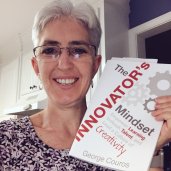
I am excited to learn from other passionate educators during this #IMMOOC.   I appreciate the weekly challenges/”to do list” and opportunities to learn.  This blog post is c5d3oxhxmaa_gzppart of the first week challenge.  The Innovator’s Mindset  has been in my “to read” stack for a while now, so this was the perfect opportunity to finally get
started.

This is also a good time for me to revisit blogging in general.  I love reading others’ blogs, but never really thought I had much to offer outside of my building (although I like to share what my students do via Twitter).  But I’ve come to see that blogging can be about reflection ,and I believe that reflection is an essential, but often forgotten, part of the learning process.  This #IMMOOC experience is a chance for me practice reflection.

I was able to watch/listen to the recorded #IMMOOC Season 2 – Episode 1 (AJ Juliani and John Spencer) last night.  As the conversation went on, I grabbed a notecard to write down some of phrases that jumped out at me.  (Note to self:  one notecard is not NEARLY enough!).  But here are some of the comments that really spoke to me (forgive any transcription errors):

  • “no such thing as a shallow topic – let them chase their curiosity”
  • Balance doesn’t mean “the middle zone/moderate. It means holding onto both of those things at the same time.”
  • Kids learn the game – “if the adults at school are happy, the adults at home are happy” (note: not really a good thing)
  • “Looking back helps you move forward”
  • “Assume if it’s better for kids, you could and you absolutely should do it.”

This episode and what I’ve read so far in The Innovator’s Mindset reaffirms what I already believe about education and try to put into practice in my work with students and teachers.

I think we all struggle with balancing the confines of the systems we work in with “innovative” ideas we know are good for kids.  But if we truly believe in cultivating curiosity and helping to raise “good” people, we have to be willing to be uncomfortable sometimes and to speak up for changes we think are necessary.

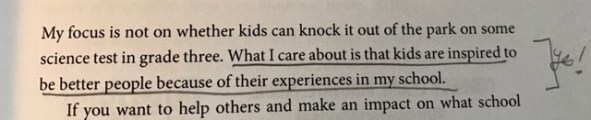
My favorite line from book’s introduction is :

fullsizerender

As a parent and an educator, what more could I want than for students to be “better people because of their experiences” at school?

I look forward to continuing the #IMMOOC journey and plan to do more of my own blogging about what’s going on at our school in EdTech.  I love what I do which makes me excited to learn and improve.


New Google Sites – So many uses!

Websites are awesome ways to share information, but sometimes creating them is difficult. I think the NEW Google Sites is a great platform for teachers and students to create websites.  It’s easy to use and looks “pretty” without any effort.

I had a great time helping our Law Related Ed students create their own Google Sites about different types of dissemination.  In two class periods, students in groups of three made complete websites.  They weren’t all perfect, but they gave students a chance to explore the topics, decide what information is important and determine how best to share it with others.

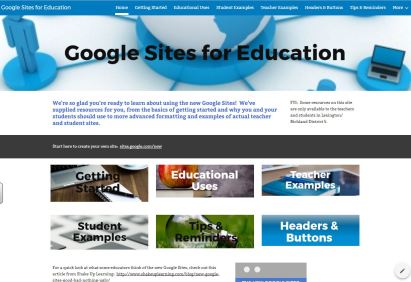
I also enjoyed sharing Google Sites at our last District PD.  I created a new Google Site to share reC5H1qkIXUAIsKkk.jpgsources I’ve found. A site about sites!  Check it out here:

https://sites.google.com/lex5.k12.sc.us/usingsites/about-this-google-site

site
Site about Sites!


21st Century Skills at DFHS

Post originally published April 1, 2014:

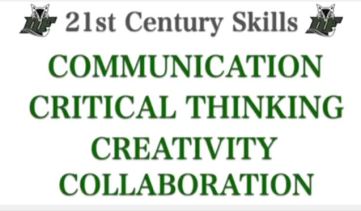
I had the pleasure of talking to students about the 4 C’s and 21st Century Skills.

 See how DFHS students and staff answered the questions . . .

– What does COMMUNICATION look like at DFHS?

– What does CRITICAL THINKING look like at DFHS?

– What does CREATIVITY look like at DFHS?

– What does COLLABORATION look like at DFHS?

Check out the video at:


Kahoot for Engagement

Post originally published Feb 2014:

I enjoyed visiting Mr Clem’s AP Human Geography class on Monday while they were reviewing for an upcoming assessment.  Mr Clem had created a Kahoot as a way to review for their test.  Students and teachers alike love Kahoot.  Getting to race to get an answer and seeing how you stack up to others are great incentives for many students.  Mr Clem also used the Kahoot as a way to talk about the material and a way for students to see what areas they needed more clarification or extra study time.
If you’re looking for a fun and easy to use EdTech tool, try Kahoot!
https://getkahoot.com/

First ISTE Convention – Denver 2016

Post originally published June 28, 2016

I’m at my first ever ISTE convention, and I want to make sure I remember as much as I can.  I’ve also told myself I want to get better about blogging, so what better time to start than when surrounded by 14,000 educators!

Sunday evening I enjoyed walking all around the conference center and getting a clear lay of the land.  It helped tremendously for yesterday.  I was able to touch base with Kitty Tripp from our own SC (and she’s a social media superstar for ISTE this year).  I liked the keynote from Michio Kaku. He had everyone thinking about how quickly things are changing and where we will be in the future.  As a physicist, he shared predictions of what we will see in the near future.  Big changes coming in education and medicine.
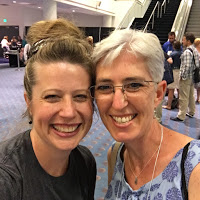
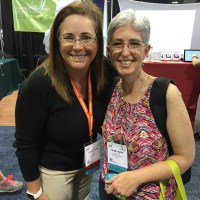
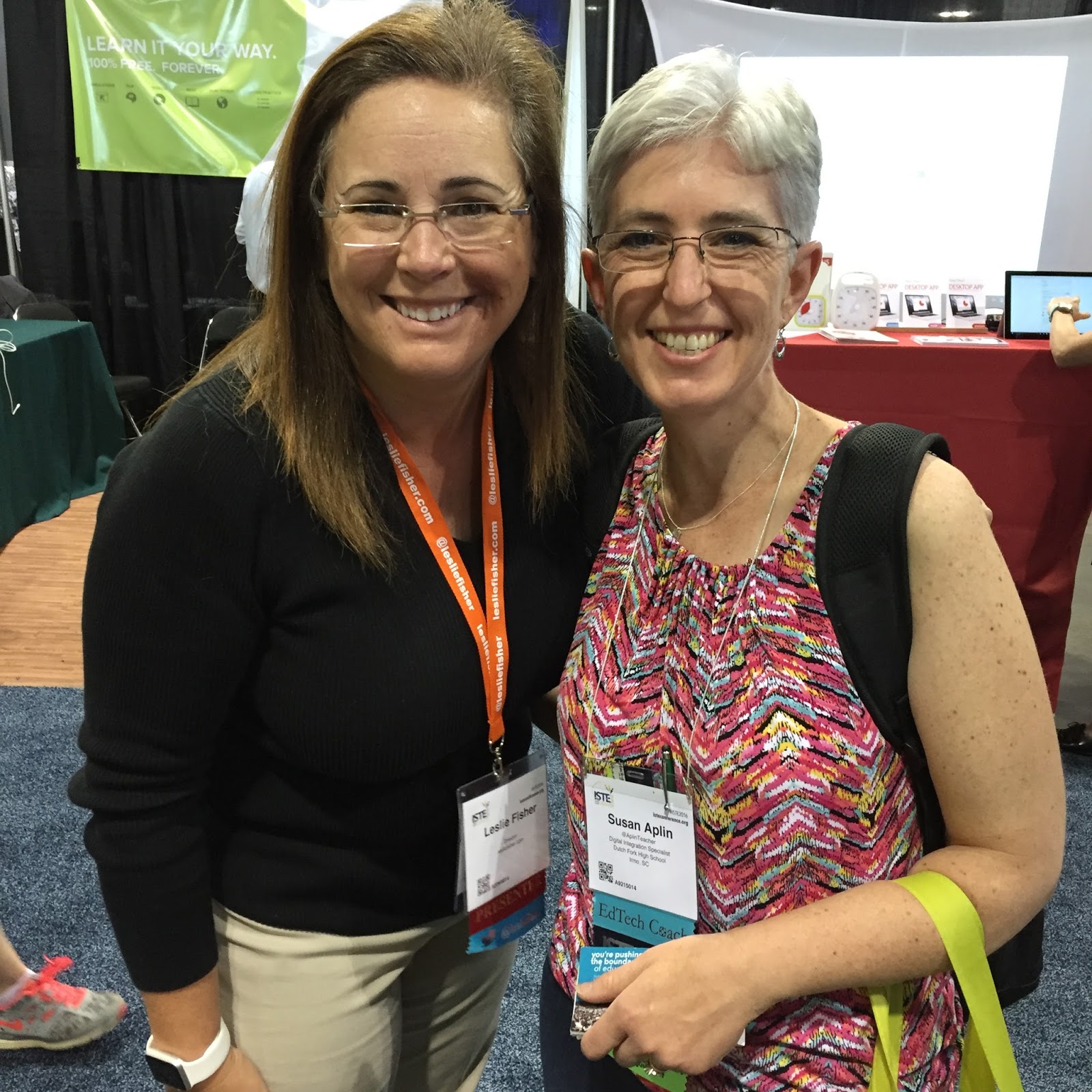
Monday was the first full day.  I’d read a lot about ISTE and follow many people who are attending, so I felt like I had a good idea of what to expect.  I started the morning with Lezlie Fisher’s session – Apps, Tools, Tips + Gadgets You Can Take to Class Tomorrow.  I was not disappointed.  Lezlie is a phenomenal presenter, full of energy and enthusiasm about learning.  While the tools she shared were not new to me, I appreciated seeing them in a new light and being reminded of the what they can do for our teachers and students.  I also liked hearing from Clara Pena about how she uses the tools in her classroom.  Great blended of how to and why!
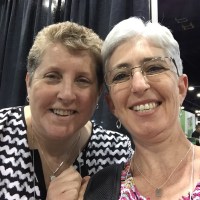
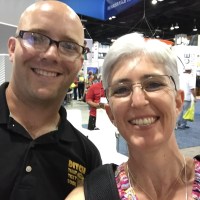
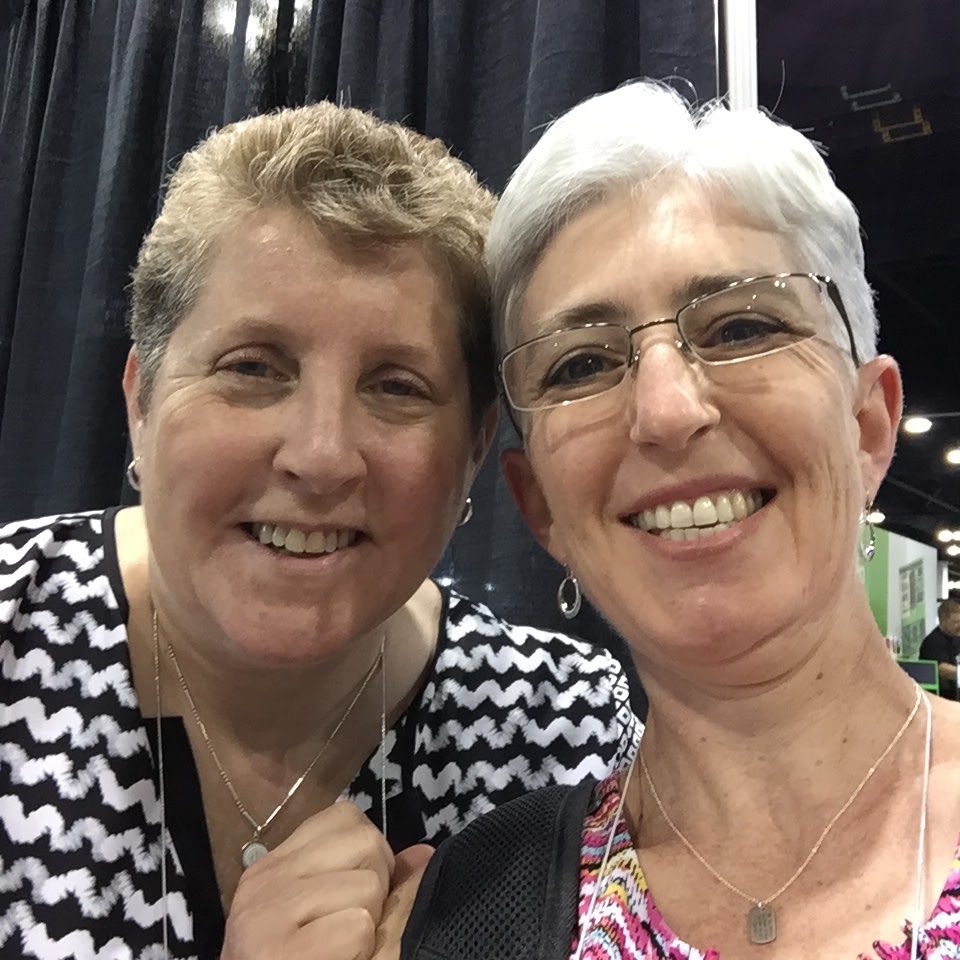
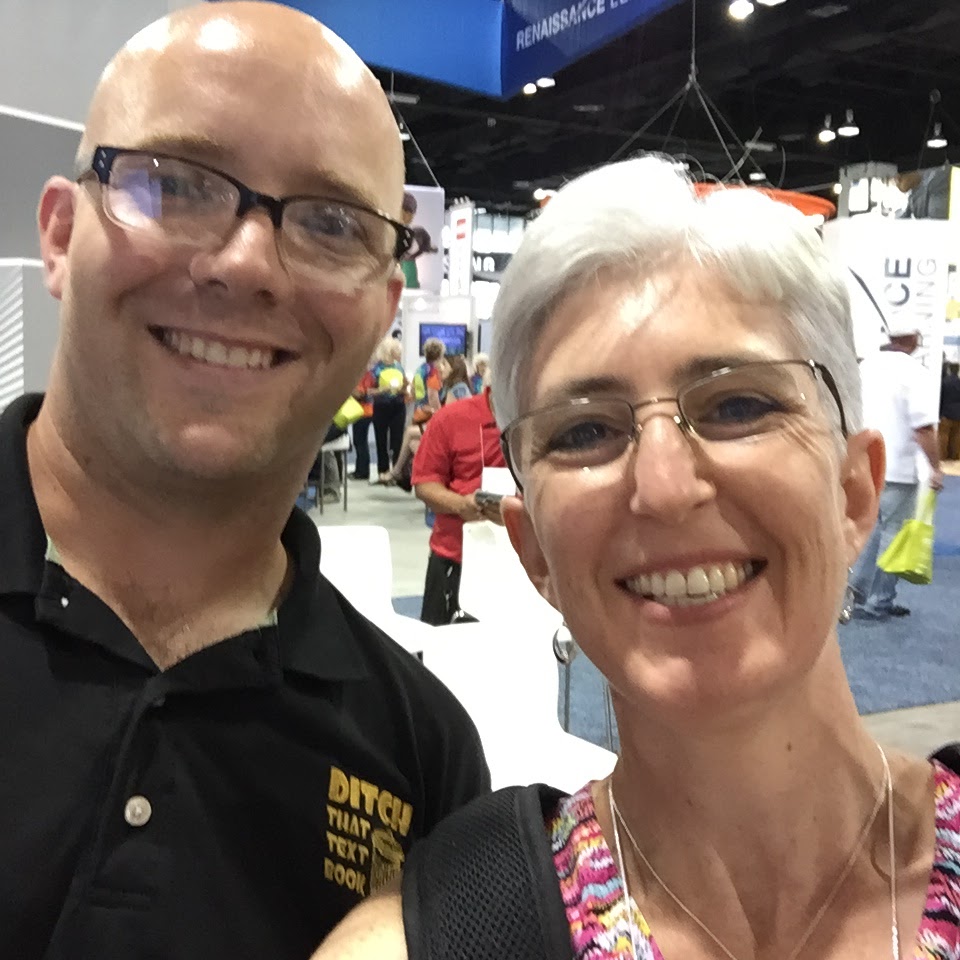
I had been told that one of the best things about ISTE is making connections.  After the morning session, Formative reached out to me, so I was able to have a one-on-one with them later in the day. I also got to say hello and take quick pics with some of my favorites in edtech – Lezlie Fisher, Kathy Shrock, and Matt Miller.  While I have not pushed myself as much as I probably could have to truly connect in person with other educators, I still appreciate being surrounded by people who have the same passion I do.
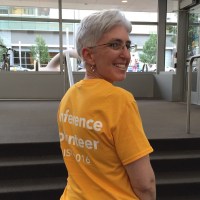
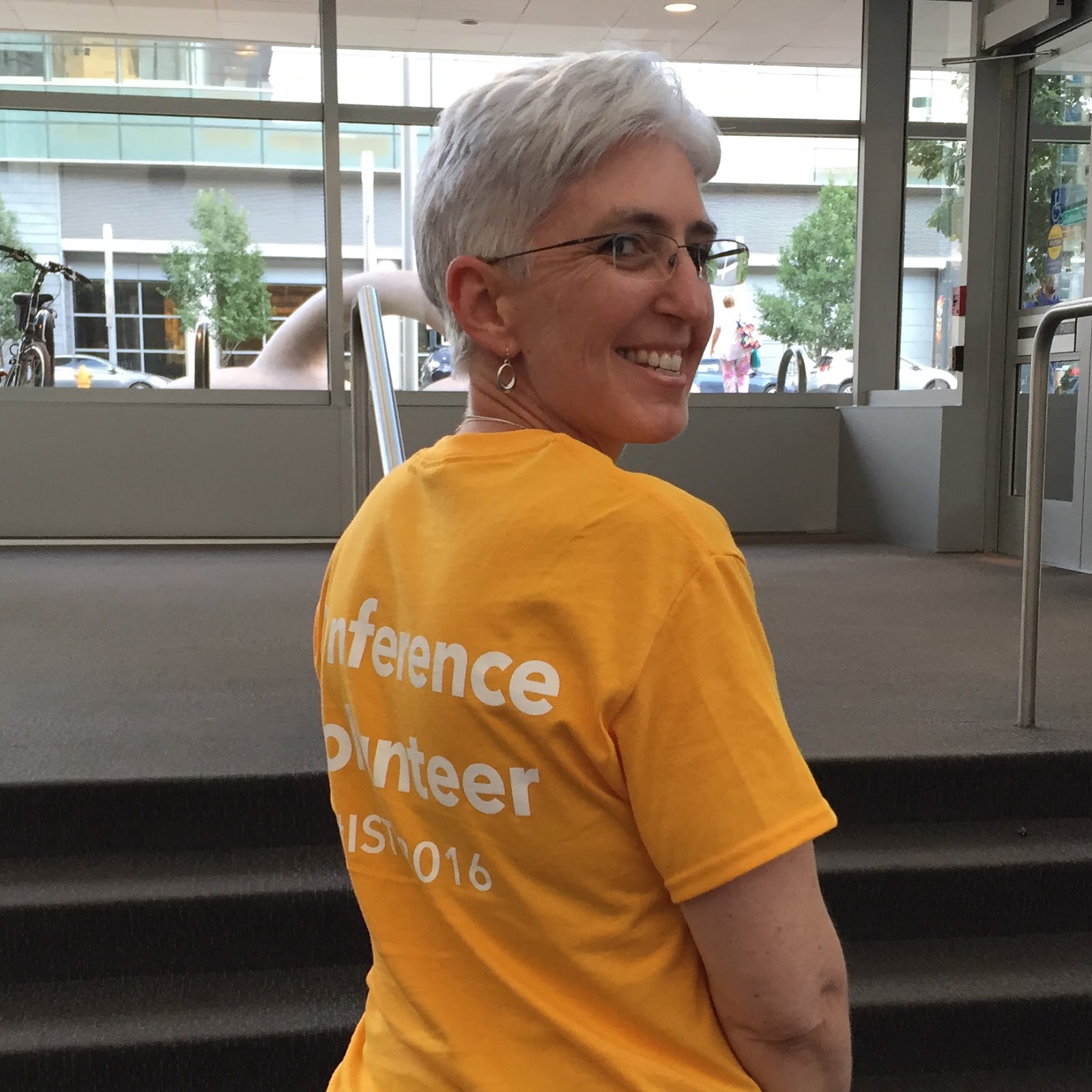
Thanks to encouragement from Kitty Tripp, I had signed up to be a volunteer.  I was supposed to volunteer (in my lovely yellow shirt) at the Welcome area, but they asked me to move to the poster session.  This ended up being great.  I’d already been in the poster area the evening before to connect with some of the ISTE PLNs, so I had learned what a great area this is.  I met several volunteers who love ISTE and edtech.  Being able to help a little by answering questions and directing people also made me feel like a real part of ISTE.

I also spent some time in the exhibit hall looking at displays and talking to some vendors. The options for hardware, software, etc are amazing.  Some of my favorite stops of the day were Peardeck, LucidPress, Pond, Google, and Gradecam (although there were many more).  I haven’t ventured to the Nearpod booth yet, but it was super popular due to the VR goggles they were handing out.

I am so glad I made George Couros’s session a priority for the day. I first heard him at the Midlands Summit in Richland 2 and loved his message about what we need to be doing with our students.  His talk yesterday made us think, as well as laugh and cry (and I’m not exaggerating – it was very emotional).  I think I’ll need another post to share all his best lines and moments.

I finished off the day with the Ed Tech Coaches Network Annual meeting.  I am new to this group and have not really participated before, but I know this will be a great PLN for me.  While everyone here at ISTE is “my people” – this group of people specifically does what I do!  It was interesting to hear how similar, yet different our jobs are.  I am thrilled to make these connections and know there are people I can reach out to for new ideas.
Infographics & Canva


Post originally published Feb 2016

003

I made my first infographic!  I used the online version of canva to create this infographic for an AP Bio class.  While I did not have any luck with the iPad app, I was pleased with the web tool.  There were many free options and great templates to start with.  I could change colors, text, sizes and add many different items.  Canva also made it easy to export the infographic when I was done (as jpg or pdf).  I would definitely use this tool again and hope to find a way to help students create their own infographics as a way to synthesize and present information.

Tech Integration in Action – Padlet

Post originally published October 2014

This week was our monthly Wednesday Technology PD session.  In an effort to provide a framework and some direction for technology integration, I planned a session where teachers would review the ISTE Standards for Students (via a Powtoon I made and a PDF copy of the standards). While our teachers might have seen the standards before, we haven’t really focused on how they could provide support and direction for infusing technology into the curriculum.

After looking at the video, I introduced the online tool Padlet. I had created Padlet walls for each department as a place for the teachers to share their responses to the standards. Each teacher added a note to the wall: one that started “I’m already seeing” and another that began with “I’m intrigued by.”  Here’s one example:

002

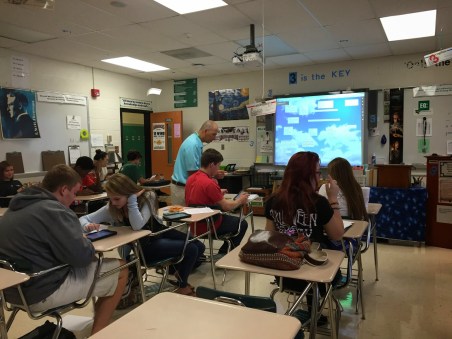
Our teachers really embraced the standards and the process of using the Padlet.  In many of the sessions there were questions about how to use set up and use Padlet.  I was so glad to see teachers see the potential in this collaborative tool.  By the end of the school day, at least three teachers I knew of has already used it with their classes!  One of those was an AP Language class which used it to share what they’ve been learning about how to approach the AP test.  The teacher invited me in to see the students in action (see photo below).

I’m so impressed by our inquisitive faculty and their desire to try new things if they will help them and their students achieve success.

001

Using Google Forms with AP Psych Class – A Great Fit

Post originally published Sept 23, 2014

I had the pleasure of working with another class of AP Psychology students today.  I was invited in to help them learn how to use Google Drive, Google Forms as well as QR Code readers and QR code creators.  With those tools, the students worked in pairs to create psychology surveys they can have parents, students, and teachers take. I had the students take a survey I’d made using the same tools, then demonstrated how to make one.  Then the students worked together on developing their surveys.

One of the best part of this assignment is the attitude that the teacher, Mrs. B, has towards it.  She encourages students to try new things, learn new skills and to not worry about being perfect on the first try.  There were great conversations about statistics, data, what makes a good question, and more.   Mrs B also is willing to try new tools even though she doesn’t know everything about them. So often learning new technology is trial and error, and modeling that for the students is important. I also love how Mrs. B is concerned about sending her students off to college and work with important skills like collaboration and analysis of information. I feel like the technology was a great fit for her goals.

First blog post – AGAIN

Over the last few years, I’ve read time and time again about the importance of blogging and sharing.  I LOVE to read educators’ blogs, but have struggled with how to manage one of my own.  I  started a blogger tied to my work email and another tied to my personal email, but have not managed to keep up with them.  As a perfectionist, I couldn’t figure out how and when to blog.  Then last summer at ISTE, I tried to start again with the work blogger, but feel short.

So, this time, I want to just start and tell myself it’s ok if it’s not perfect and if entries aren’t tagged or don’t fit in a particular mold.  I won’t have a theme (at least not for now).  I just want a place to reflect and to post great things I read about, see happening, and get a chance to be a part of.  I’m not going to worry if I don’t post until months after an event happens or if I get it just right.

So here I go AGAIN!